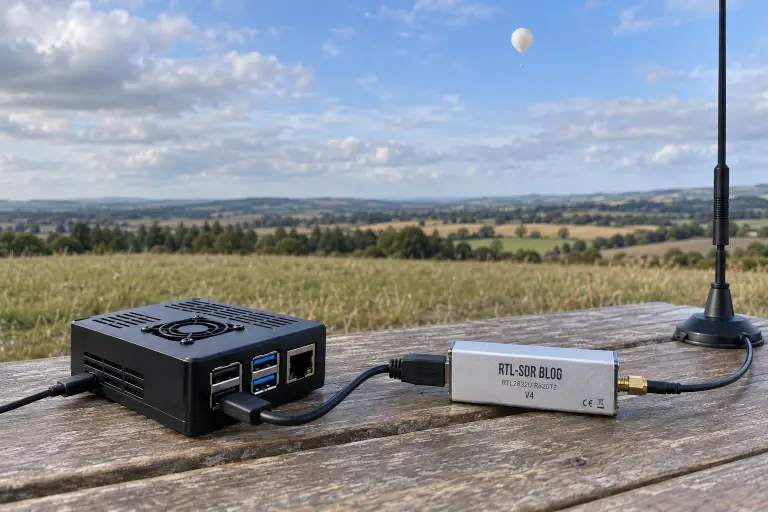
Finding a balloon on a map is one thing. Getting to it is another.
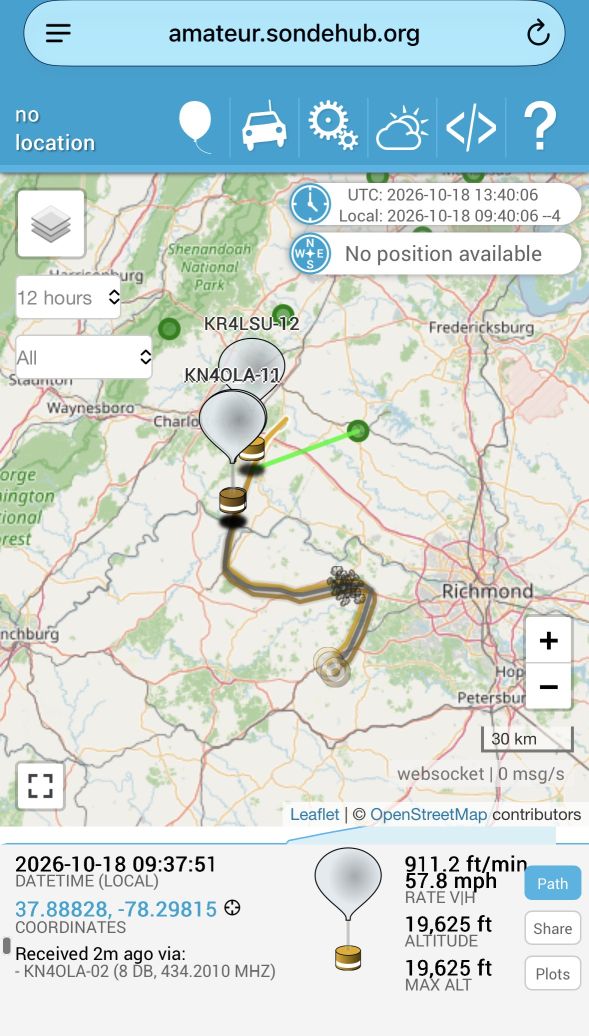
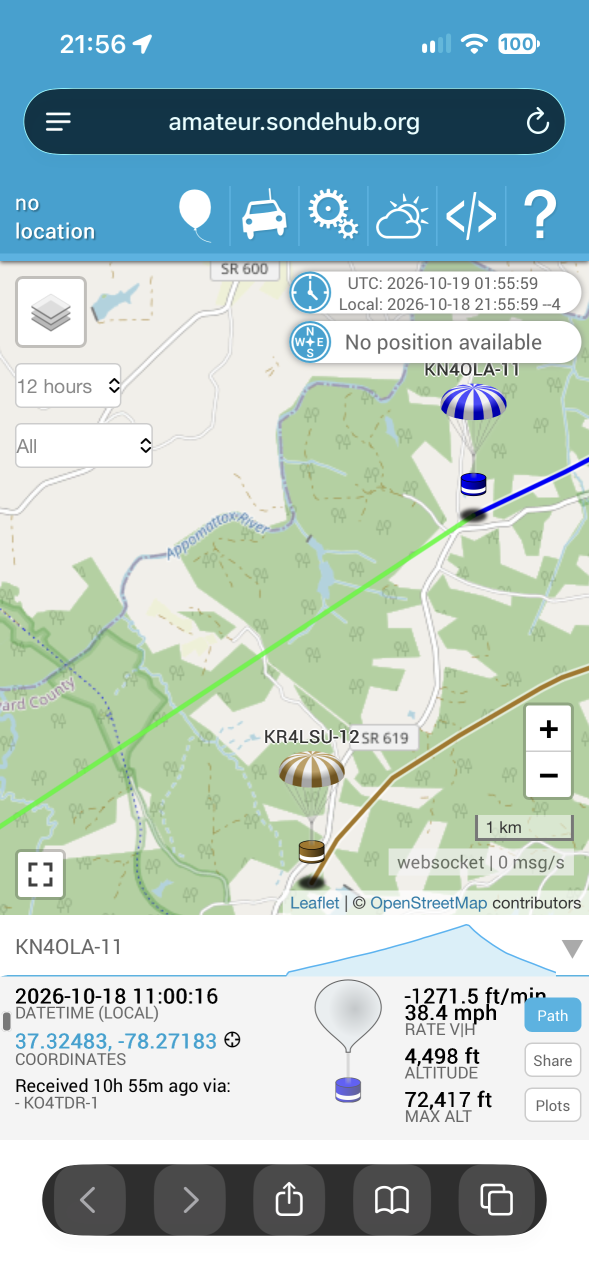
Terrain, access, weather, and daylight can put days, or considerably longer times, between receiving a position and recovering the payload. For my mobile receiver, the most important feature was straightforward: keep the decoded coordinates somewhere I can still use later.
After building a fixed PiSonde receiver at home and working through our Scouting balloon activities, I wanted a separate receiver I could take in the truck. The field version needed to be easy to reach from a phone, able to use whichever hotspot was available, and simple enough to operate without hunting through menus.
That became PiSonde Mobile.
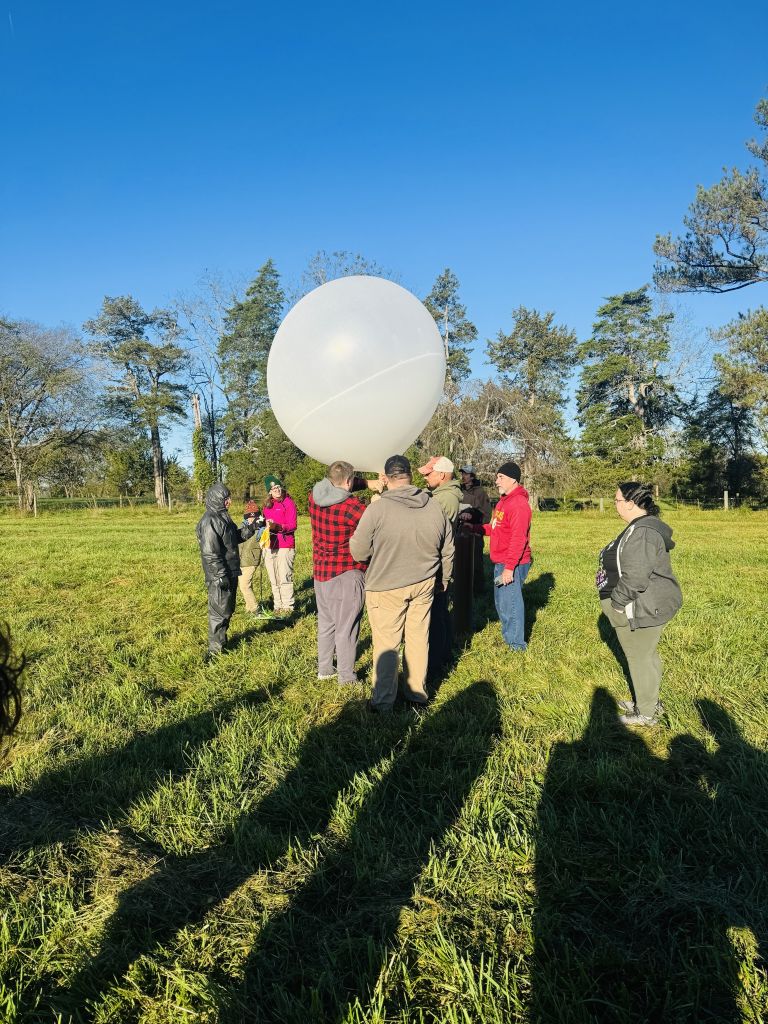
Hardware list
This is the field build’s hardware list, rather than a promise that every adapter or power source is interchangeable.
| Item | Used for / notes |
|---|---|
| Raspberry Pi 4 | Receiver, local database and web dashboard; 64-bit Raspberry Pi OS Lite |
| CanaKit case with fan | Cooling and physical protection |
| 128 GB microSD card | OS, application, packets and local backups; keep an additional card for initial testing |
| RTL-SDR Blog V4 | The single radio receiver; the installer discovers its USB serial locally |
| 2 m / 70 cm antenna and suitable coax/adapters | The existing field antenna; performance near 400–406 MHz depends on the antenna, rather than its amateur-band label alone |
| Short, good-quality USB extension | Flexible SDR/antenna placement; cable quality and voltage drop matter |
| Linksys AE6000 USB Wi-Fi adapter | Existing dual-band upstream radio; onboard Pi Wi-Fi stays dedicated to the local AP |
| USB-C power cable | Connects the Pi to its power source |
| Vehicle cigarette-lighter USB power adapter | The field adapter is rated 40 W; that total rating alone does not establish stable power at the Pi |
| Ethernet cable and setup computer | Recommended for the first installation, downloads, flashing and SSH |
| Optional momentary button and two leads | Controlled shutdown using GPIO3 and ground; wiring is described below |
A receiver GPS puck, display and second SDR are not required. Payload coordinates come from decoded telemetry. The two Wi-Fi adapters have separate jobs; they do not provide a second radio-frequency receiver.
A dashboard that gets out of the way
The phone connects to a local Wi-Fi network named pisondemobile. The dashboard is available at http://192.168.73.1, with no port number to remember.
I deliberately kept the interface basic. In the field, I need the current mode, frequency, receiver status, and the latest useful coordinates. Decoration can wait.
The dashboard displays coordinates in decimal degrees and degrees, minutes, and seconds. Either coordinate link opens Google Maps, and a copy button makes it easy to move the decimal coordinates into another application. Those clickable links have already proved their value during balloon recovery work.
The latest-position view groups receptions by callsign and protocol. Earlier packets remain available underneath, with complete history and CSV/GPX exports on the recovery-history page. A reception’s age is shown so an old recovery position is not mistaken for a current live update.
Decoded packets are retained in a local SQLite database. The application uses durability settings and checked, rotating backups. Those are useful protections, but they are not a substitute for a controlled shutdown or reliable storage and power.
Two Wi-Fi radios with different jobs
The Wi-Fi layout matters:
- Onboard Wi-Fi: serves the local pisondemobile access point.
- Linksys USB Wi-Fi: connects upstream to an iPhone, Android hotspot, or another saved Wi-Fi network.
That keeps access to the local dashboard independent of the optional USB Wi-Fi adapter. The profiles and the persistent Wi-Fi guard are bound to the physical adapters so their roles remain consistent.
Getting this right required correcting our initial configuration, which had the roles reversed. Unplugging the Linksys exposed the mistake immediately: the local access point disappeared with it. The corrected arrangement puts the local field interface back on the onboard radio.
The Wi-Fi page includes adapter MAC addresses, saved-network controls, and a Forget option for networks I no longer want the receiver to choose. It also shares the upstream Internet connection with clients when that connection is available.
Scanning and holding a frequency
PiSonde Mobile supports APRS, Horus, DFM, and RS41 reception using one SDR.
The default amateur balloon channels are 144.390 MHz for APRS, plus 432.501, 434.200, and 434.210 MHz for Horus. Weather discovery searches 400–406 MHz, identifies candidate signals, and tries the supported weather decoders. An optional wide Horus mode searches 432–435 MHz after checking the configured launch channels.
One receiver cannot listen to all of those frequencies simultaneously. Scanning is a compromise between covering frequencies and spending enough time on each one to decode a transmission. A transmitter sending a short burst once per minute can still be missed while the receiver is elsewhere.
When a valid packet is decoded, the automatic hold lasts about 65 seconds and renews with additional valid packets. Lock to Frequency holds indefinitely; Resume scan releases the lock.
A saved manual lock or stopped state is cleared when the service starts, allowing unattended scanning to resume. Other saved scanning profiles are preserved.
The SDR troubleshooting lesson
The most interesting problem was a receiver that could still identify itself over USB while producing no useful sample stream. At one point we also captured data containing an exact repeating pattern, which is different from simply having no balloons within range.
Physical power cycling restored reception during testing. The application now watches for missing sample output and exact repeating sample patterns. It first restarts the receiver pipeline and can escalate to a bounded, targeted USB reset of the SDR.
The dashboard shows those recovery and reset counts. They are cumulative for the running service and reset when that service restarts.
We also reduced the weather-survey capture rate. The current survey runs at approximately 1.875 MS/s across four tuning steps; the logged weather decoding path uses approximately 1.92 MS/s. APRS and the configured Horus receive paths run at approximately 1.008 MS/s internally. The audio or decoder-output rate shown elsewhere is a separate number.
During the longer field-style run, the dashboard reached two recovery attempts and one USB reset, then remained at those counts while continuing to report sample flow. That is encouraging evidence that recovery is useful. It does not conclusively identify the original cause, prove the dongle can never stall again, or replace an actual packet-decoding check.
Where data is uploaded
There are three separate upload paths:
- Received APRS traffic goes to APRS-IS, which aprs.fi uses. Eligible amateur balloon packets can also be consumed by SondeHub Amateur.
- Horus telemetry goes to SondeHub Amateur.
- DFM and RS41 weather telemetry is prepared for SondeHub.
The remaining external step is approval of the custom PiSonde-Mobile weather uploader. SondeHub requests real-flight samples and review for each supported radiosonde type. APRS reception and local coordinate storage do not depend on that approval.
A preliminary real-flight comparison agreed with established receiver data. That is useful validation evidence, but it is not SondeHub approval and does not replace a longer flight sample for review.
The dashboard provides JSONL validation exports and an upload report. Old jobs expire rather than being re-dated and presented as live telemetry. Their local records remain available for recovery and review.
Power and the field workflow
Vehicle power is not always polite. I added a momentary shutdown button using GPIO3 on physical pin 5 and ground on physical pin 6, with the gpio-shutdown overlay configured. I can initiate shutdown before unplugging the unit when circumstances allow.
My intended field workflow is simple: power up, join pisondemobile, check the mode and sample-flow status, connect an upstream hotspot if uploads are needed, and let the receiver work. When a payload is heard, the local coordinates remain the priority.
There is no receiver GPS puck in this build. The coordinates shown are the payload’s decoded position, and the mobile receiver’s own position is not published.
For me, that is the point of this project: a practical tool that brings the information I need to the field and keeps it available when recovery has to wait.



Download and install
Download: https://drive.google.com/drive/folders/1qYYX6P6fu4hl6U4CEn2-Yb9RqTnclMlv?usp=sharing
The public archive is pisonde-mobile-0.3.10-public.1.zip. It contains source code, the installer, the hardware setup tool, tests, documentation and the modified survey-tool source. It contains no personal adapter MACs, station identity, saved networks, passwords, receiver history or private recordings. Each new installation discovers its own hardware identities locally.
This is a fresh-install source package, not an update for an existing PiSonde installation. The receiver/GUI code is based on 0.3.10. Public packaging adds hardware discovery and removes installation-specific identities. This fresh-SD installer has passed offline checks but has not yet been run end-to-end on a Raspberry Pi. Keep your working card intact and use a spare card for the first installation.
Requirements
Use a Raspberry Pi 4 with Raspberry Pi OS Lite, 64-bit, Debian Trixie, one onboard Wi-Fi adapter, one supported USB Wi-Fi adapter, one RTL-SDR Blog V4, and Internet access during installation. This installer is deliberately limited to arm64/Trixie. Other receivers, boards and OS versions are not validated by this package.
Use Ethernet or a local keyboard/console for initial setup. Creating the access point changes Wi-Fi roles and disconnects an existing Wi-Fi SSH session. A stable power source and at least several GB of free storage are required for packages and compilation. The application keeps reception history, so leave plenty of room for field use.
1. Flash and boot
Flash Raspberry Pi OS Lite 64-bit to a blank microSD card. Set your own hostname, SSH username and password in the imaging tool. Enable SSH if you will administer the Pi remotely. Connect Ethernet, the SDR and USB Wi-Fi adapter, then boot. SSH to the Pi’s initial Ethernet address, or use its console.
Do not reuse a published password. The AP password is chosen separately during setup; no password is supplied in the download.
2. Download and copy the package
Download pisonde-mobile-0.3.10-public.1.zip from the blog’s Google Drive download link. If you downloaded it on another computer, copy it to the Pi using SCP, SFTP or a USB drive. For example, from that computer, substituting your own username and address:
scp pisonde-mobile-0.3.10-public.1.zip YOUR_USER@PI_ETHERNET_IP:/tmp/
On the Pi:
sudo apt-get update
sudo apt-get install -y unzip
cd /tmp
unzip pisonde-mobile-0.3.10-public.1.zip
cd pisonde-mobile-0.3.10-public.1
sudo bash install.sh
Installation downloads dependencies, checks out pinned Horus and radiosonde decoder sources, builds the DFM/RS41/detection executables, and compiles a separate rate-capped survey tool. It does not replace the system RTL-SDR library or start reception yet. Internet access to Debian/Raspberry Pi package mirrors, GitHub and Python package indexes is required.
The installer refuses an existing /opt/pisonde-mobile directory. If it fails partway, keep the error output and resolve it before retrying; do not delete an existing working installation to bypass that check. This package does not offer an in-place migration or full installer rollback.
3. Reboot, then configure the radios
sudo reboot
Reconnect over Ethernet or use the local console. The reboot applies the DVB/TV-driver blacklist. Then run:
sudo python3 /opt/pisonde-mobile/configure.py
The setup script identifies the onboard radio and USB Wi-Fi radio by their hardware connections and permanent MAC addresses. It reads the attached SDR’s serial and generates a new AP profile UUID. You choose and confirm an AP password of 8–63 printable ASCII characters.
The resulting layout is:
| Radio | Role |
|---|---|
| Onboard Wi-Fi | pisondemobile local access point, 2.4 GHz, gateway 192.168.73.1 |
| USB Wi-Fi | Upstream connection to an Internet hotspot or saved Wi-Fi network |
| RTL-SDR Blog V4 | One shared receiver for sequential scanning/decoding |
Activation runs separately so it can finish after a Wi-Fi SSH disconnect. It starts and enables the receiver, Wi-Fi broker and daily backup timer. If AP activation fails, it attempts to restore the prior Wi-Fi profile bindings. Keep Ethernet or console access until you verify the AP.
The initial setup expects both Wi-Fi adapters and exactly one compatible SDR. After setup, the onboard AP should remain available when the USB Wi-Fi adapter is absent. Avoid using an upstream network whose subnet overlaps 192.168.73.0/24.
4. Open the dashboard and add Internet access
Connect your phone to pisondemobile, using your new password, and open:
Port 80 is the persistent service default. There is no :5001 to add.
Use the Wi-Fi page to scan for and connect to your upstream hotspot. Saved upstream profiles are bound to the USB radio. The Forget control removes unwanted saved networks; adapter MACs are visible locally for troubleshooting. The upstream connection can be shared with clients of the Pi’s AP. An associated Wi-Fi connection does not by itself prove that Internet access works.
The dashboard uses local HTTP. Use a trusted field network and do not expose the dashboard directly to the public Internet. Remote management software is optional and is not included or configured here.
5. Configure uploads deliberately
Uploads start disabled with the placeholder N0CALL. On Uploads, enter your own callsign/SSID and explicitly enable uploads. The application refuses to enable the placeholder identity. Receiver coordinates are not published by this build.
| Received data | Destination and status |
|---|---|
| APRS | APRS-IS; eligible packets may appear on aprs.fi or SondeHub Amateur through their ingestion paths. A successful socket write is not proof of map ingestion. |
| Horus | SondeHub Amateur. Reserved test payloads use development-only validation. |
| DFM / RS41 | SondeHub weather endpoint. Custom uploader approval is still required; this package keeps the PiSonde-Mobile identity. Local decoding/history works independently. |
Outbound TCP 14580 is used for the default APRS-IS server. SondeHub uploads use HTTPS/TCP 443. DNS and a correctly synchronized clock are also needed. No inbound Internet port forwarding is required. SondeHub development validation does not create a live map track.
For weather approval, the dashboard’s guide links to the current SondeHub telemetry validation instructions and provides JSONL/report exports. Approval is not bundled with the software. Old telemetry is retained locally rather than re-dated and presented as live data.
6. Check the installation
systemctl is-active pisonde-mobile.service pisonde-wifi-control.service pisonde-history-backup.timer
nmcli device status
curl -fsS http://127.0.0.1/api/status
sudo /opt/pisonde-mobile/venv/bin/python /opt/pisonde-mobile/verify_recovery.py --field-only
The field check validates the current history database, exports, adapter bindings, services and a fresh backup. If it fails, inspect the reported check rather than declaring the installation complete. Services should be active, the onboard radio should serve the AP, and the UI should show a scan profile with sample flow while decoding candidates. In the scanner, check several status updates; counters changing alone do not demonstrate packet decoding.
Select a known local APRS frequency or another known source. For an APRS audio-over-radio test, select APRS as the decoder and match the transmitter frequency exactly; Horus 4FSK audio needs the Horus decoder. Confirm a newly timestamped packet appears, then verify local coordinates and any eligible upload separately. This public download does not include recorded private transmissions or a synthetic live-map balloon WAV.
For amateur-band transmission tests, use your own authorized station setup and frequency. Never transmit a test signal in the weather-sonde band to check reception.
Reboot once more and confirm the AP returns and scanning resumes without clicking Resume scan. A saved manual lock/stopped state is cleared at service startup; saved scanning profiles remain selected. Check the dashboard still works after removing only the USB Wi-Fi adapter. Upstream connectivity will be lost while that adapter is absent.
The full recovery test (verify_recovery.py without --field-only) deliberately interrupts receiver subprocesses. It is optional and should only be run during a maintenance window after reading its help. It does not substitute for a real reception test.
Optional shutdown button
For the Pi 4, with power disconnected, connect a normally open momentary switch between GPIO3, physical header pin 5, and GND, physical pin 6. Use header pin numbers, not GPIO numbering, when locating the pins. Add this line to /boot/firmware/config.txt under an applicable [all] section, then reboot:
dtoverlay=gpio-shutdown,gpio_pin=3,active_low=1,gpio_pull=up,debounce=200
The installer does not change GPIO settings. Do not combine this with another use of GPIO3, such as an I2C device, without reviewing the conflict. Test the button and confirm shutdown has completed before removing power. A halt does not physically disconnect the power supply.
Storage, maintenance and privacy
Local history lives under /var/lib/pisonde-mobile. A daily checked SQLite backup retains the latest and previous copies under /var/backups/pisonde-mobile/history; these share the same card and do not replace an off-device backup. Use CSV/GPX exports for recovery records you cannot afford to lose. There is no promise of surviving arbitrary power removal.
Hardware identities are created locally in /etc/pisonde-mobile/hardware.json. Wi-Fi credentials remain in NetworkManager’s local profiles. Runtime files, saved networks, upload settings, logs, databases and backups can contain private information. Do not redistribute your installed /opt, /etc, /var/lib or backup directories as a public release. Share the clean source ZIP instead.
Dependencies: the two decoder repositories are commit-pinned in install.sh; Python/OS packages are resolved at installation time. The installed Python version list is recorded in /opt/pisonde-mobile/installed-python-versions.txt. This is a source installer, not a fully reproducible SD-card image.
Technical references