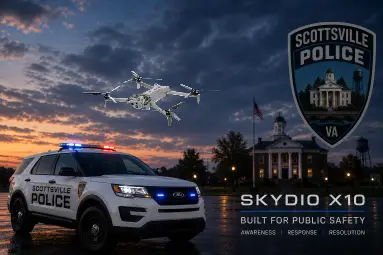
I recently completed training on the Skydio X10E UAS platform, which will replace the Scottsville Police Department’s DJI Phantom 4 Pro v2 as our primary drone system.
Our Skydio X10 kit includes the speaker attachment. The speaker arrived with three preloaded audio files, plus a test file, but I quickly discovered how easy it is to add custom announcements tailored to public safety operations. After a few minutes of exploring the MicroSD card, I created and uploaded several audio files that are more relevant to the missions we commonly perform.
For agencies, public safety organizations, and Skydio operators interested in expanding their speaker capabilities, I’ve made the audio files available for download:
Download the Skydio X10 custom audio files from Google Drive
Installation
- Power off the Skydio X10 and remove the speaker’s MicroSD card.
- Download the desired
.wavfiles from the link above. - Copy the files to the
audiofolder on the MicroSD card. - Reinstall the card and power on the system.
- The audio files should now be available for playback through the Skydio speaker interface.
As always, ensure any audio broadcasts comply with your agency’s policies, local regulations, and operational requirements.